 คอร์สอบรม
-
ใหม่!!! กัมเพสท์ ปูหน้าเค้ก

-
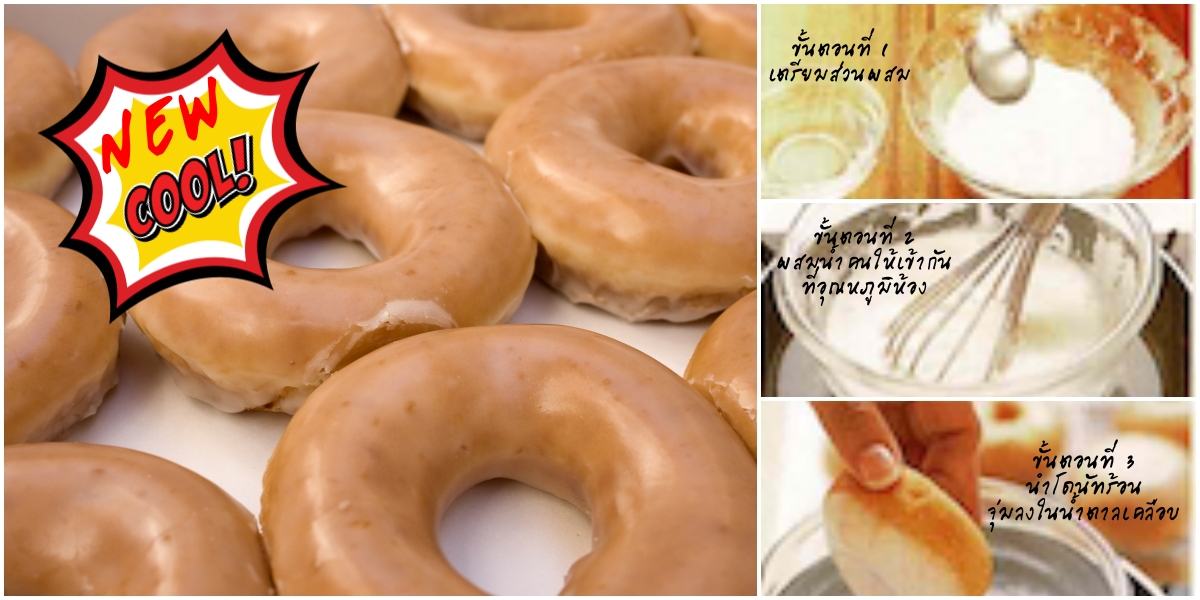
ใหม่!!! เคลือบโดนัทแบบเย็น
-
Dynasty Pacific Co.,Ltd.
-
Dynasty Pacific Co.Ltd.
-
Dynasty Pacific Co.,Ltd.

-
DYNASTY PACIFIC CO.,LTD.
-
Dynasty Pacific Co.,Ltd.

-
DYNASTY PACIFIC CO.,LTD.
-
Dynasty Pacific Co.,Ltd.
-
DYNASTY PACIFIC CO.,LTD.
- 1
- 2
- 3
- 4
- 5
- 6
- 7
- 8
- 9
- 10


PRODUCTผลิตภัณฑ์ของเรา.
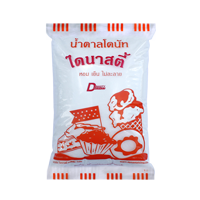
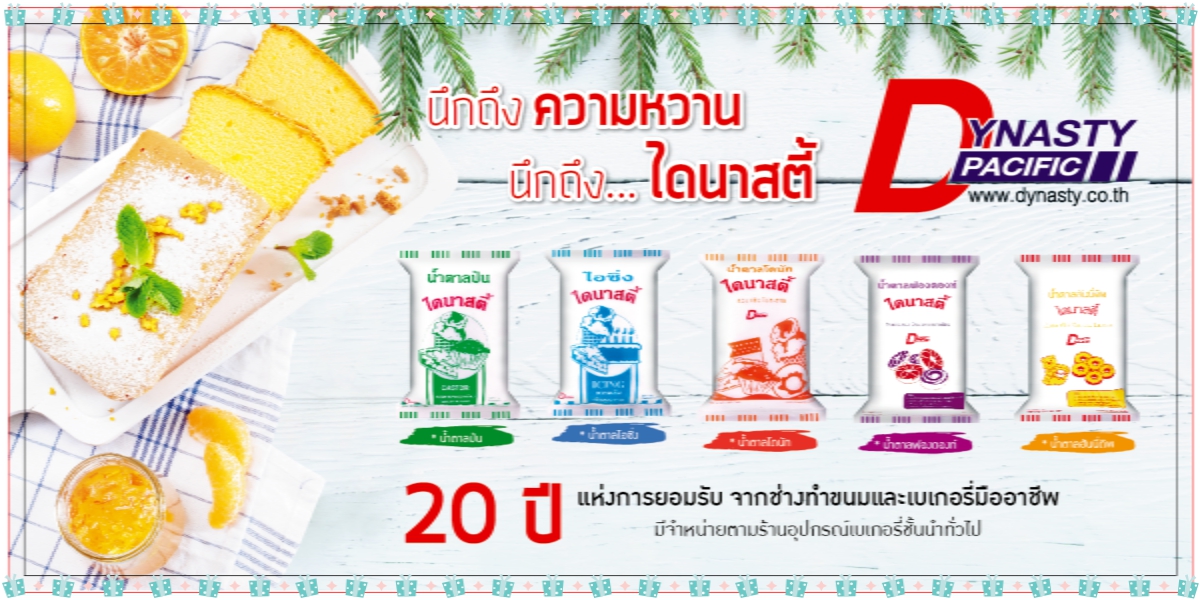
น้ำตาลโดนัท (Donut Sugar)
น้ำตาลโดนัทมีลักษณะเป็นผงละเอียดขาว หอม เย็น และไม่ละลาย เกาะติดเนื้อโดนัทได้เป็นอย่างดี ใช้คลุกหรือโรยบนโดนัท ช่วยเพิ่มรสชาติหอมหวานได้เป็นอย่างดี.
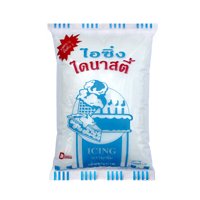
น้ำตาลไอซิ่ง (Icing sugar)
น้ำตาลไอซิ่งเป็นน้ำตาลทรายบดที่ละเอียดคล้ายผงแป้งละลายน้ำได้อย่างรวดเร็ว เป็นส่วนผสมสำคัญในการผลิตเบเกอรี่และขนม เช่นคุกกี้ พาย ครีมแต่งหน้าเค้ก ตุ๊กตาไอซิ่ง.
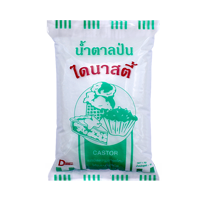
น้ำตาลป่น (Castor sugar)
น้ำตาลป่นเป็นน้ำตาลทรายบดละเอียดมี ลักษณะคล้ายน้ำตาลไอซิ่งแต่ไม่มีแป้งข้าวโพด ละลายน้ำได้ทันทีโดยไม่ต้องใช้ความร้อน จึงช่วยให้ประหยัดทั้งเวลาและพลังงาน อีกทั้งได้สินค้าที่คุณภาพสม่ำเสมอ.
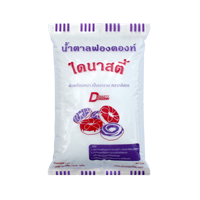
น้ำตาลฟองดองท์ (Fondant Sugar)
น้ำตาลฟองดองท์เป็นน้ำตาลสำหรับเคลือบหน้าโดนัทมีคุณสมบัติเกาะติดผิวได้ดี ผิวเคลือบหนา ไม่ไหลเยิ้ม เป็นเงางาม สร้างความหลากหลายให้กับการแต่งหน้าโดนัท.
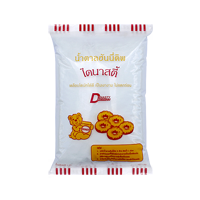
น้ำตาลฮันนี่ดิพ (Honey Dip Sugar)
น้ำตาลฮันนี่ดิพเป็นน้ำตาลสำหรับชุบโดนัทโดยเฉพาะ สร้างผิวเคลือบใสเป็นเงางาม เห็นสีเหลืองทองของผิวโดนัท เกาะติดเนื้อโดนัทได้เป็นอย่างดี ไม่แห้งแตกร่อน ช่วยสร้างสัมผัสความหวานให้แก่โดนัท .
Welcome to Dynasty Pacific Co., Ltd.
บริษัท ไดนาสตี้ แปซิฟิก จำกัด เป็นผู้ผลิตน้ำตาลไอซิ่ง (Icing Sugar) น้ำตาลป่น (Castor Sugar) น้ำตาลฮันนี่ดิพ (Honey Dip Sugar) น้ำตาลฟองดองท์ (Fondant Sugar) น้ำตาลเกรซิ่ง (Glazing) และน้ำตาลคลุกโดนัท (Donut Sugar) ให้แก่อุตสาหรรมอาหาร ขนมอบ และเบเกอรี่มาตั้งแต่ปี2533 ผลิตภัณฑ์ของบริษัทฯได้รับการยอมรับจากช่างทำขนมและเบเกอรี่มืออาชีพมากว่า 20 ปี
Preset Styles
The Style Settings panel in the Gantry based theme administration interface provides several options for configuring the main built in stylistic aspects of the template.
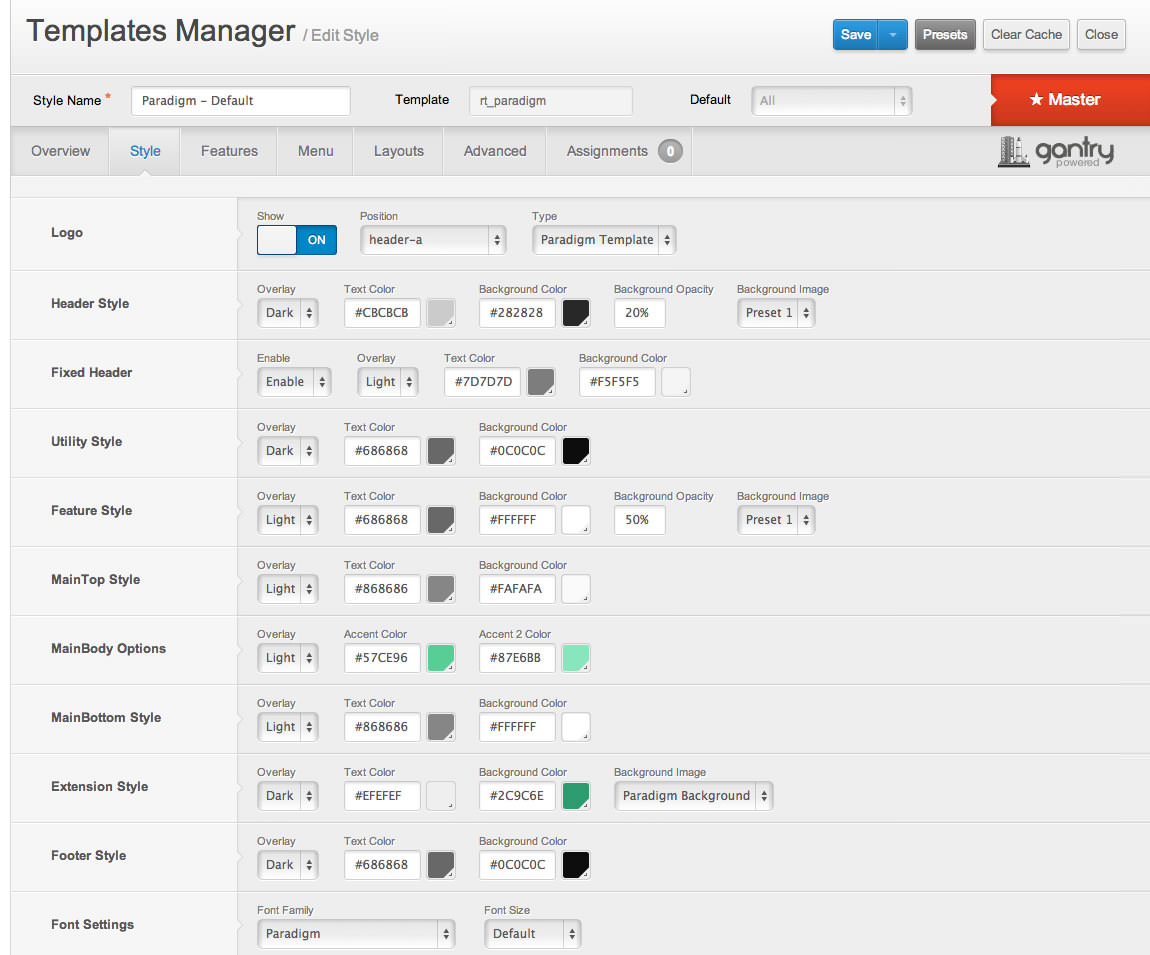
Gantry also provides the ability for you to create your own custom presets based on any parameter in the theme administrator. You should determine which parameters you wish to configure to be a part of the presets.
Assigning a Style
With Gantry, the ability to assign a certain style to an individual page has never been easier and/or more efficient. Just follow these simple steps:
- Go to Extensions → Template Manager → rt_paradigm → Assignments → *Menu Item*
- Select your preset from Show Presets, configure and save.
After setting your defaults to the desired values, select the Menu Items button and choose the menu item you wish to modify the parameters for. You will then see a series of checkboxes on the left of all the supported parameters.
Select the checkbox next to the parameter you wish to modify, it will then become active, and you can modify as you wish. Clicking “Save” in the toolbar will then save this configuration.
Gantry Framework: Style Configuration